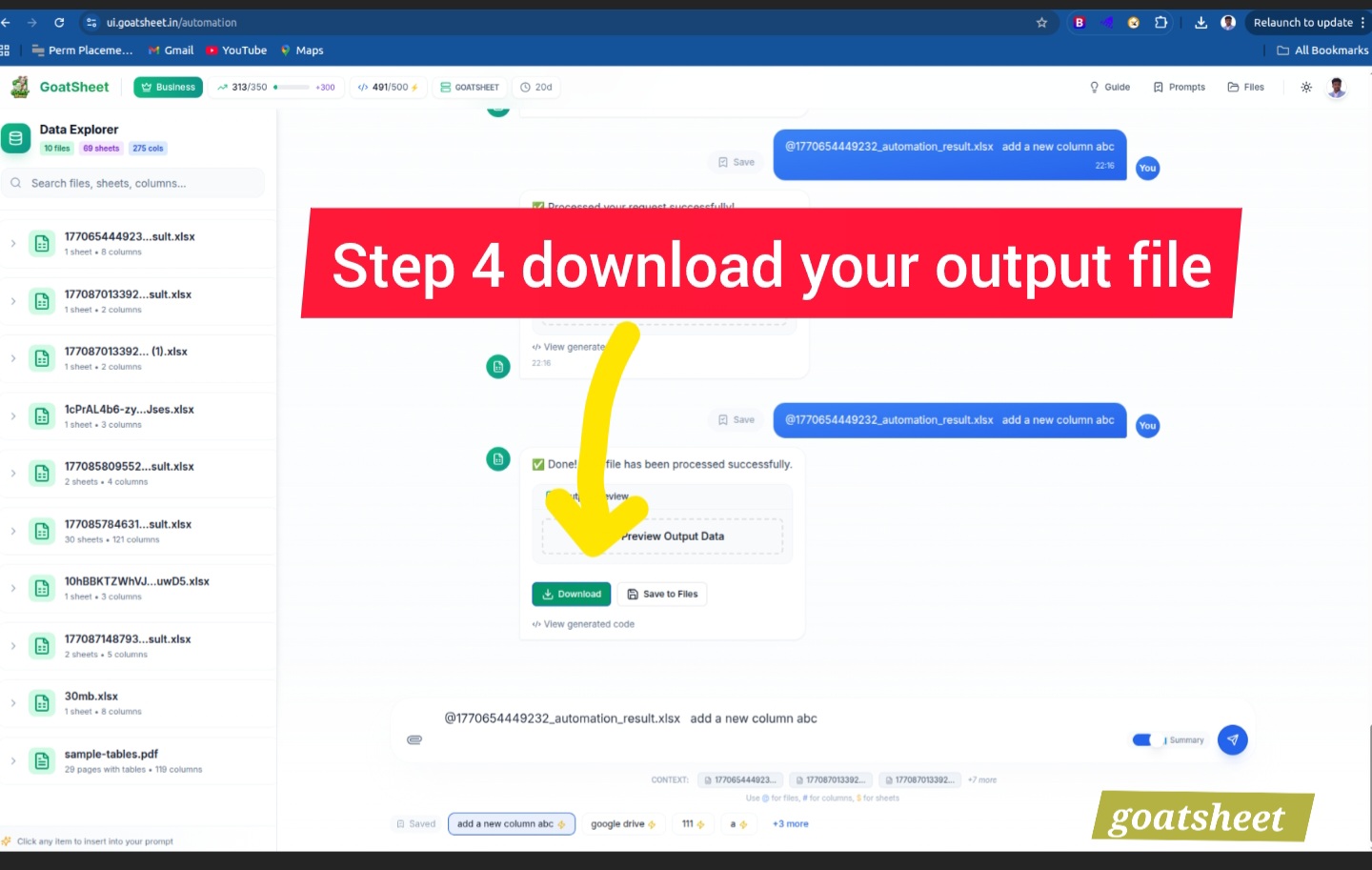
Upload Your Files
Start by uploading your Excel, CSV, or multi-page PDF documents. Our system securely parses your data in an isolated sandbox environment, ensuring total privacy.
- Drag & Drop support
- Multi-file batching
- Secure sandbox upload
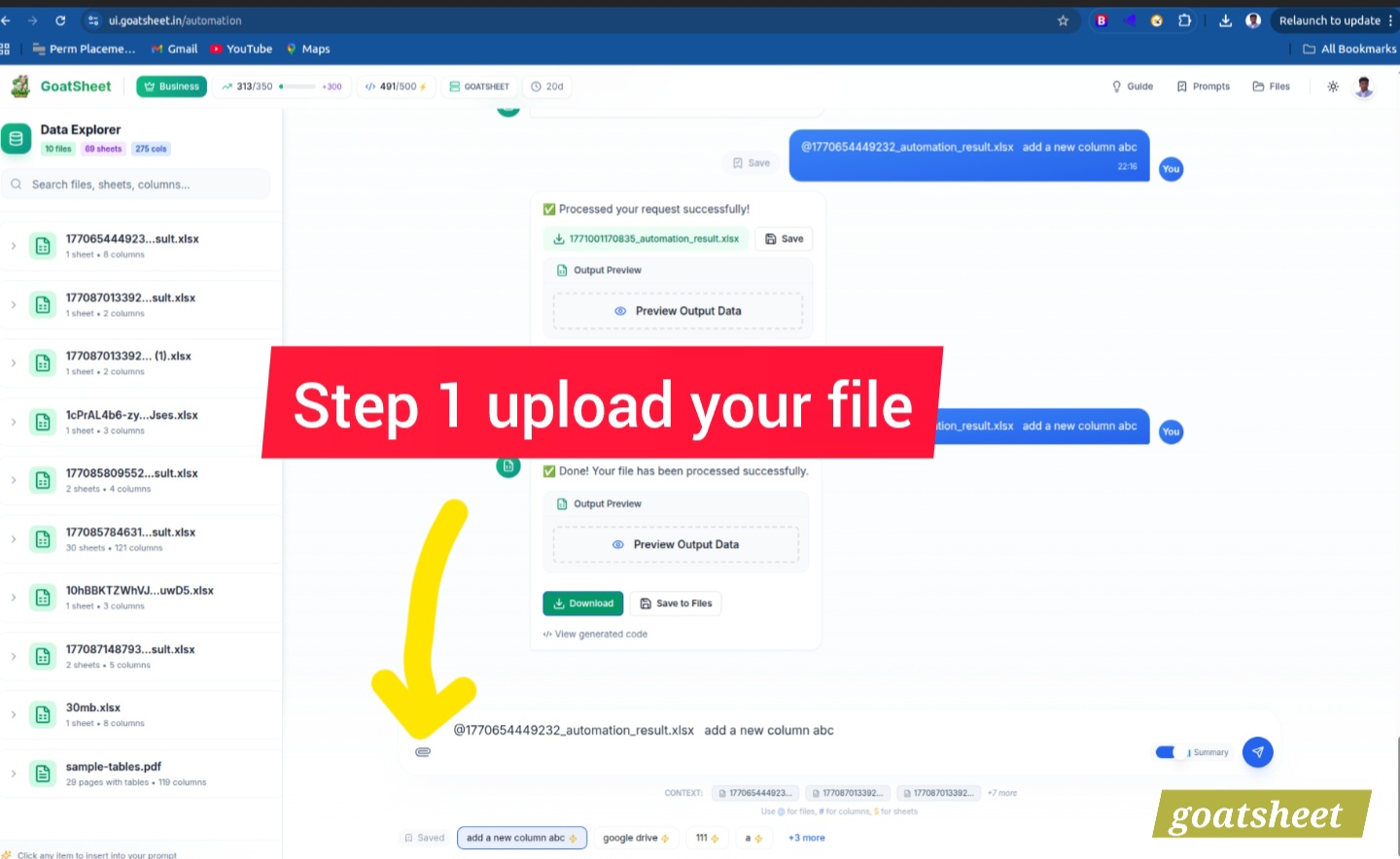
Provide Your Prompt
Use the @ symbol to reference specific files, sheets, or columns directly in your prompt. Tell the AI what you want in plain English — no complex formulas required.
- Context-aware file referencing
- Natural language interface
- Instant schema awareness
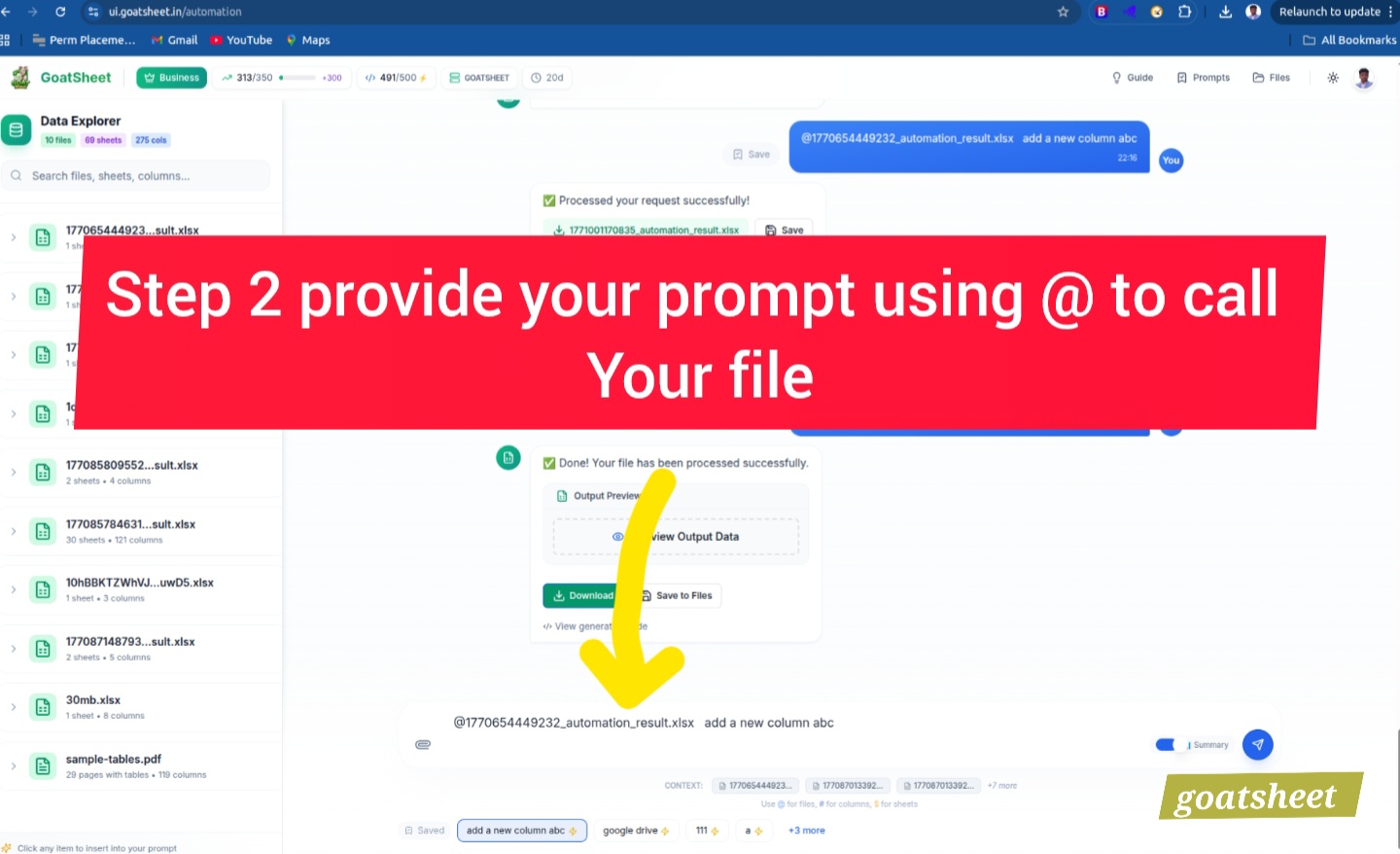
Execute & Preview
Hit the run button and our high-performance engine gets to work. Merge, clean, or analyze millions of cells in seconds. Preview the output instantly before downloading.
- Real-time preview
- 50MB file processing < 30s
- 100% data isolated
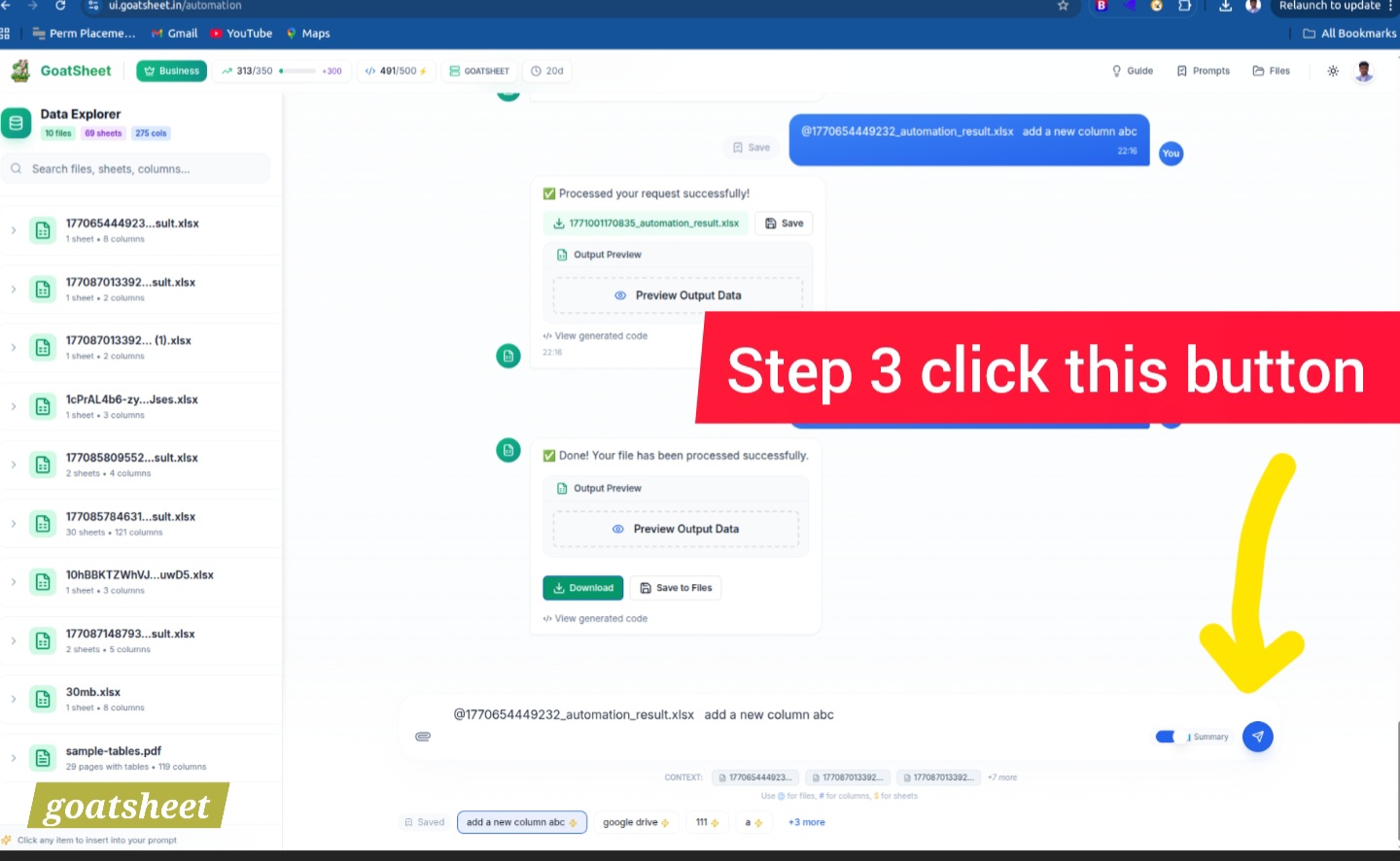
Instant Download
Your perfectly formatted result is ready. Download as Excel or CSV, or save it back to your cloud storage. Ready for your next presentation or analysis.
- Multiple format options
- Cloud storage sync
- Ready-to-use results